
FocusLock — Flutter Mobile Application
FocusLock is a premium Flutter concentration app with app blocking, smart notifications, proximity detection, and a full analytics dashboard — built to spec, top-tier quality.
Discuss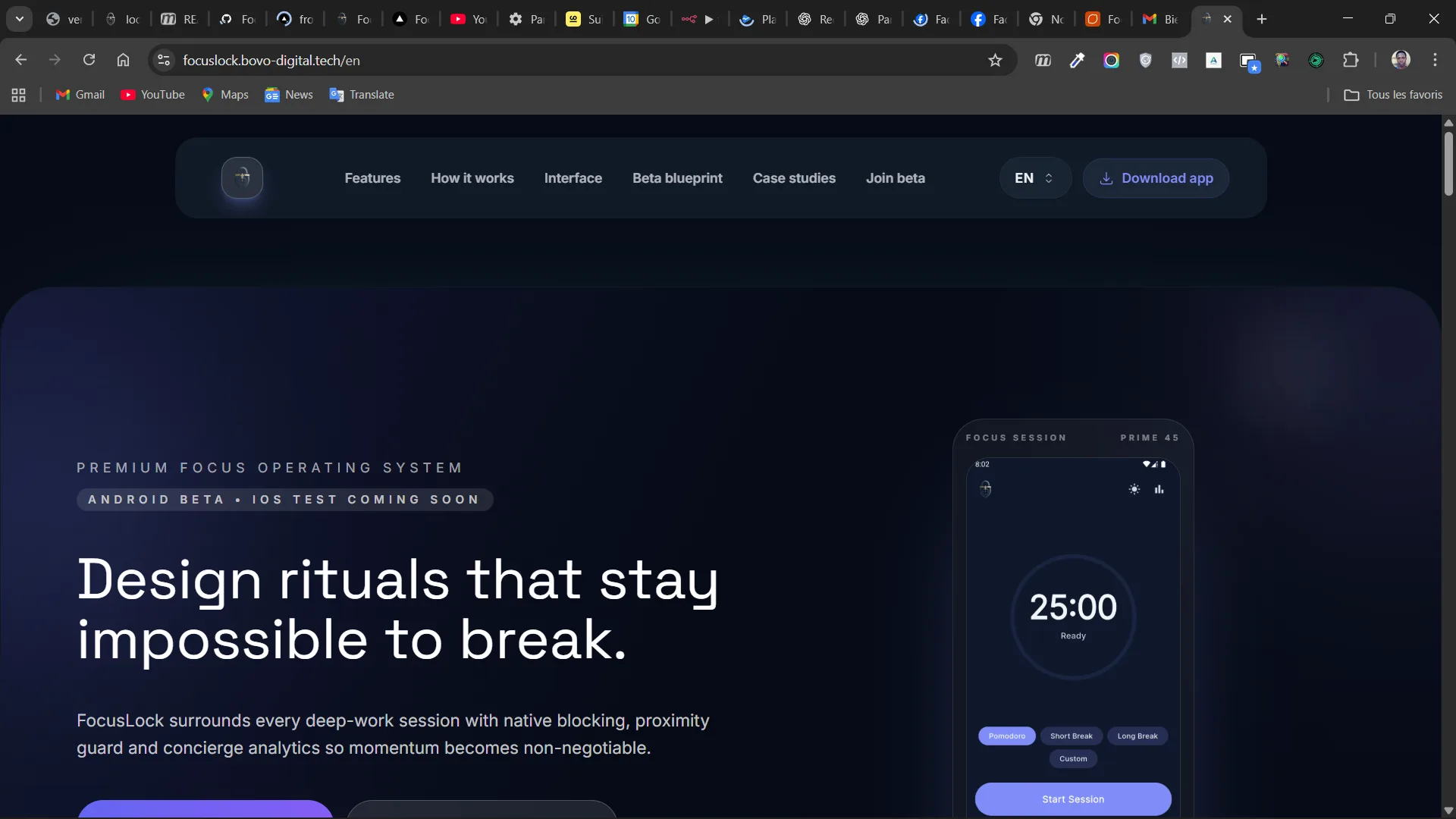
About this project
FocusLock — a premium Flutter 3.x concentration app built to spec, shipped on every platform
FocusLock is a premium mobile concentration-management application developed with Flutter 3.x and delivered in full compliance with a detailed client specification. The app delivers a complete, polished user experience from the first launch to the tenth session, following a clean flow: onboarding, session configuration, active session, statistics, settings. Every screen was designed with the attention to detail you would expect from a paid App Store product, not a side project.
The user journey, in five acts
Onboarding A three-screen introduction welcomes new users to the app's philosophy and features. All resources are embedded for a fully offline experience — the app never waits on a network request to show its first screen. A premium LaunchScreen sets the tone from the very first tap on the icon.
Session configuration A rich configuration layer lets users tailor every focus session: presets for common durations, fully customizable session length, selective app blocking across the user's Android apps, notification silencing, proximity detection (so moving the phone closer pauses or alerts), adjustable sensitivity for the proximity sensor, alarm control, and volume control. No detail was compromised.
Active session During a focus session, FocusLock becomes a calm, focused space: an animated timer, localized motivational messages that adapt to the user's language, a blocking overlay that intercepts blocked-app attempts, automatic notification muting on Android via the system NotificationManager, and haptic feedback tied to proximity events. Every interaction is designed to be unobtrusive — the goal is deep work, not app engagement.
Statistics A full analytics dashboard with day / week / month filters, 7-day graphs, dynamic goal indicators, session breakdowns, a detailed session history, and a badge system that rewards streaks and milestones without becoming gimmicky.
Settings Advanced configuration at the user's fingertips: language management (FR/EN with persistence of the user's choice), light and dark theme support, configurable time units, app blocking via the native Android selector, default emergency-stop behavior, granular permission management, and full data export and management — because respecting the user's data is a feature, not a checkbox.
Technical architecture
- Modular architecture with clear feature separation: onboarding, home, session_config, session_active, statistics, settings, permissions, premium.
- A complete Design System with color tokens (indigo/violet theme), Inter typography, spacing scale, radii, and shadow tokens — delivering visual consistency across every screen.
- Persistence via SharedPreferences for settings and session history, so no external dependency is required for the app to function fully offline.
- Native Android integrations: app blocking via Usage Stats and Overlay permissions, notification muting via NotificationManager, proximity detection with HapticFeedback for tactile cues.
- Premium branding: embedded logo, native Android 12 splash screen, custom icons tuned per platform for Android, iOS, and web.
- Complete FR/EN localization with full persistence of the user's language preference, including right-to-left readiness for future language additions.
Quality and documentation
- Complete functional documentation, including detailed user-flow specifications and a full QA checklist used during delivery.
- Structured, maintainable code organized for future contributors.
- Multi-platform support — the Flutter codebase runs cleanly on Android, iOS, Web, macOS, Linux, and Windows, with platform-specific adjustments where needed.
What this project demonstrates
FocusLock showcases complete mastery of Flutter app development, deep Android native integrations (Usage Stats, NotificationManager, Overlay permissions), disciplined state management, structured data persistence, and premium mobile app design. It is the kind of reference project that proves an application can be both technically rigorous and emotionally polished.
Technology stack
- Flutter 3.x and Dart as the core framework.
- Material 3 for the design foundations.
- Android Native APIs for the system-level features (Usage Stats, NotificationManager, Overlay).
- SharedPreferences for local persistence.
- Localization (i18n) for complete FR/EN support.
- Custom Design System for visual consistency.
Ready to launch your mobile app? Discover our Mobile App Development service →
Technologies used
Similar projects
Explore other case studies in the same category.
%3Ano_upscale()%2Fuploads%2Fmedia%2Fpicture%2Fb773fffa-0add-4042-97b8-161f859aad9a%2Ftmp%2Fprojects%2Fb773fffa-0add-4042-97b8-161f859aad9a%2Fcomeup-1-6775ac31769ce.jpg&w=3840&q=75)
PANIGASPI - Anti-Waste App
A Flutter & Firebase marketplace connecting hungry consumers with discounted unsold food — geolocation, real-time offers, and integrated booking in one clean app.
View project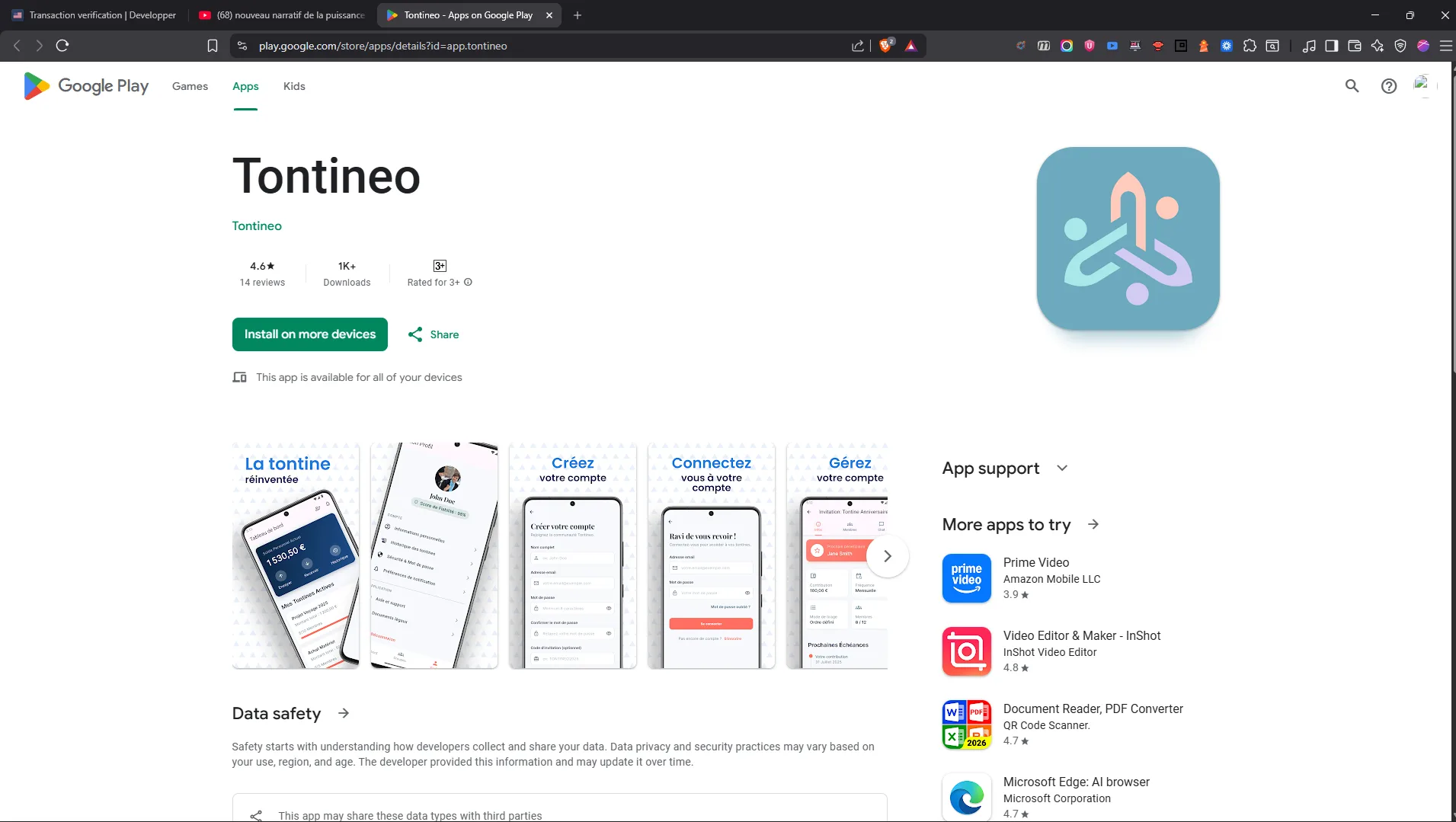
Tontineo - Digital Tontines Mobile Application
Tontineo digitizes the ancestral tontine: a Flutter app with Stripe payments, Google/Apple Sign-In, GDPR compliance, and real-time tracking — now live on Google Play.
View projectRelated blog articles
Dive deeper into the topic with our guides and tutorials.

Flutter Agency vs React Native in 2026: The Honest Comparison to Pick Right
Flutter or React Native for your mobile app in 2026? Performance, costs, ecosystem, hiring: the honest comparison from an agency that ships both. With benchmarks, table and use-case recommendations.
Read article
How to Create a Mobile App in 2026: Complete Guide for Entrepreneurs
Want to create a mobile app but don't know where to start? This complete guide covers the key steps: technology choice, realistic budget, timelines, and mistakes to avoid.
Read articleHow Much Does a Flutter Mobile App Cost in 2026? Full Pricing Guide
Complete 2026 pricing guide for Flutter iOS & Android mobile app development. Real quotes, detailed tiers, factors that drive pricing and how to get a fair estimate in 24h.
Read article